
- "How do I create a reservation?"
- "What are the steps to creating a recurring reservation?"
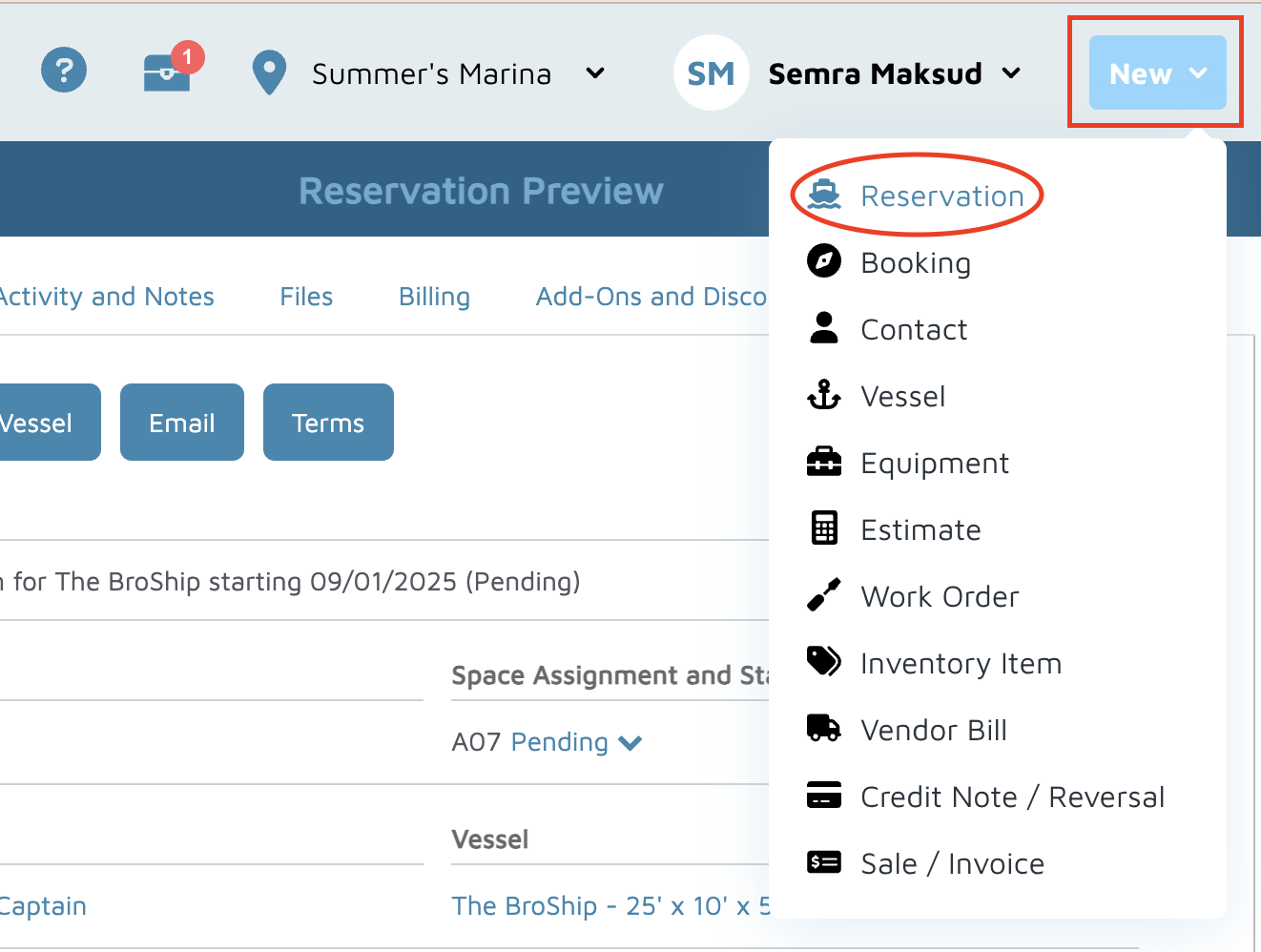
Click New (top right) and select Reservation.
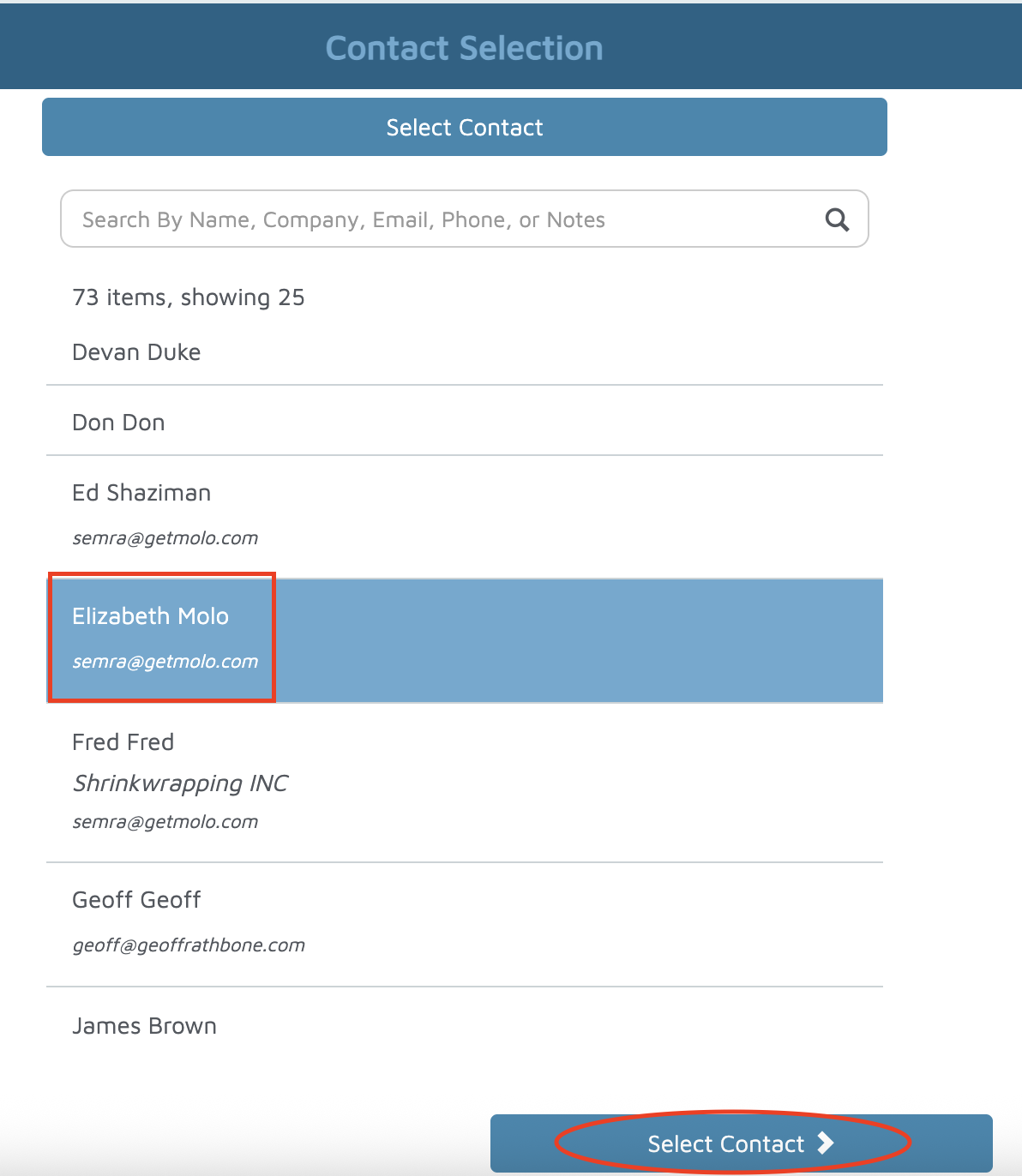
Find and select the Contact the reservation is for.
Select the Vessel linked to the contact.
Click Next.
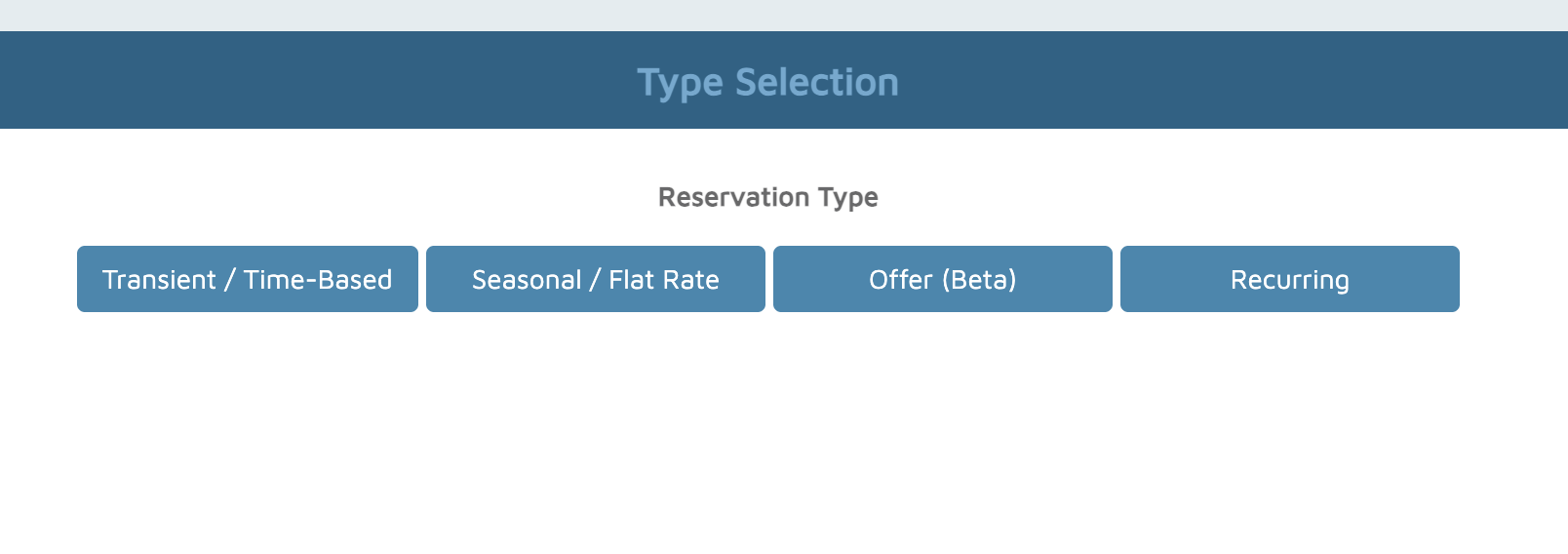
Choose the type of reservation (e.g., Transient Time-Based, Seasonal, or Recurring).
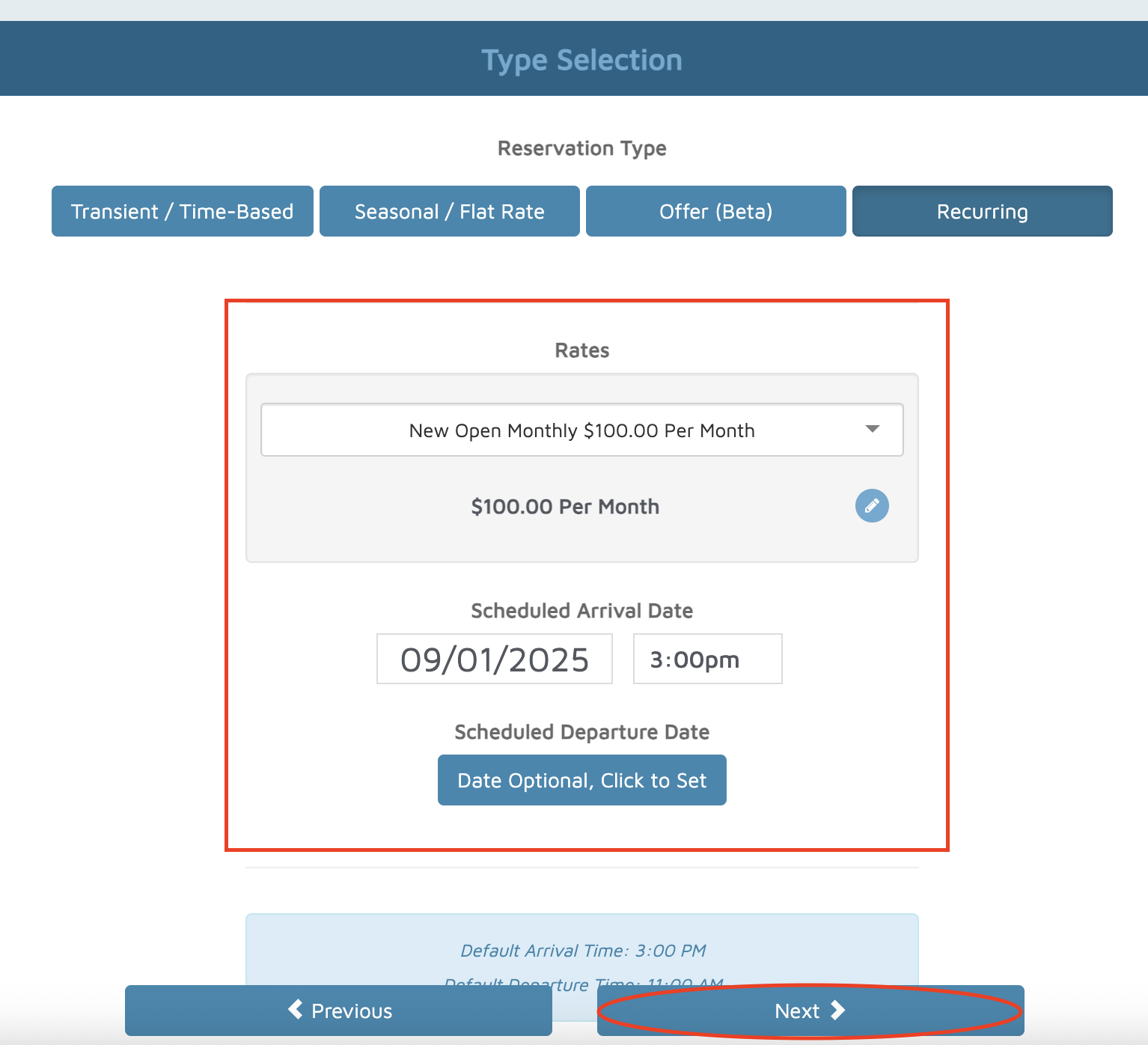
From the dropdown, select the Rate.
Enter the Arrival Date (and Departure Date, if applicable).
Click Next.
Select the Space for the vessel.
Click Next.
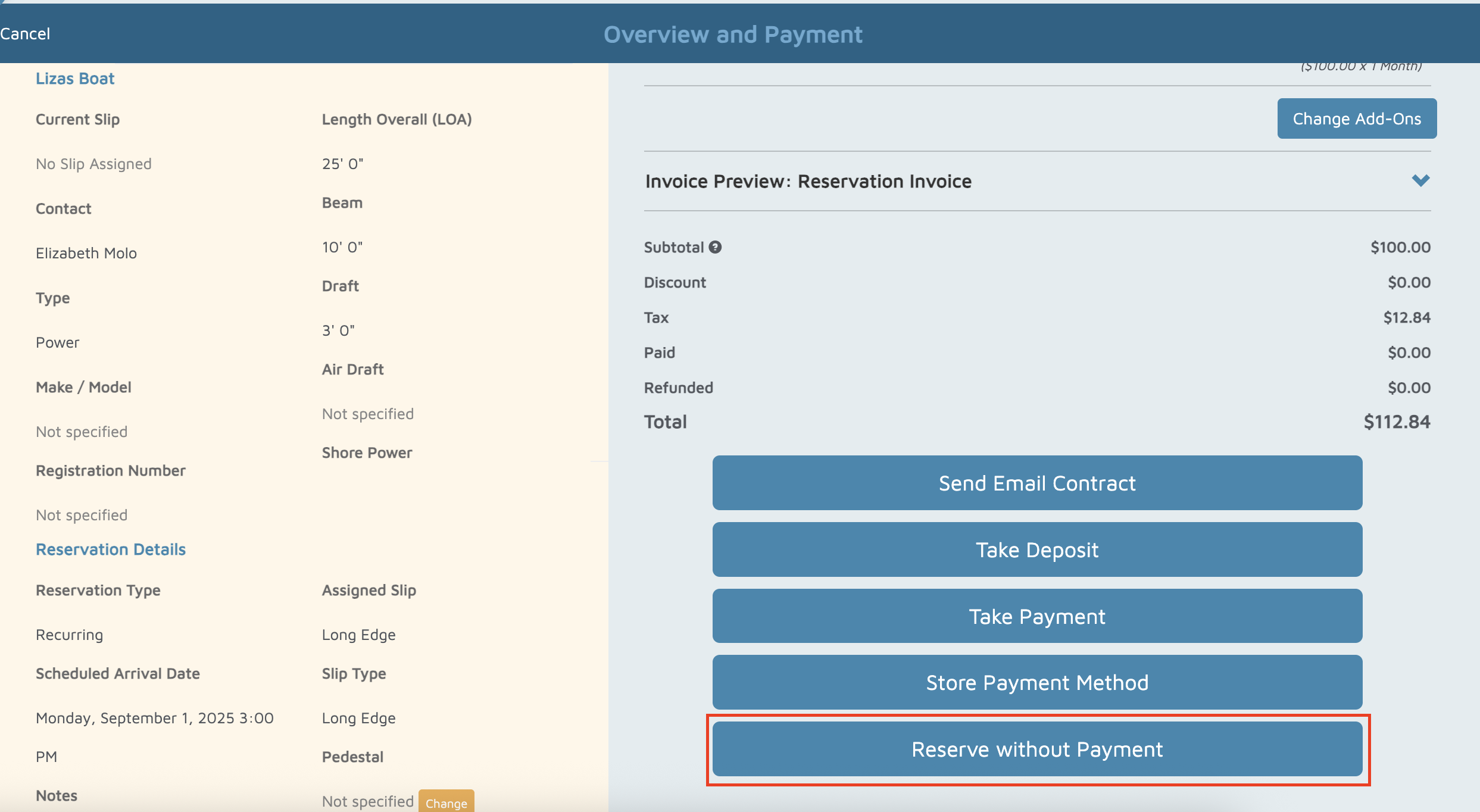
Review the reservation details.
Click Reserve Without Payment.
Click View Reservation Preview to review.

Update the Reservation Status if needed.
Verification: The new reservation should appear on the grid, the map, and the reservation list.
