- "How can the status of a reservation be changed?"
- "The boater is no longer in the slip. How do I mark their reservation as checked-out?"
Resolution
1. On the left menu, navigate to Spaces > Grid.
2. Click on the reservation.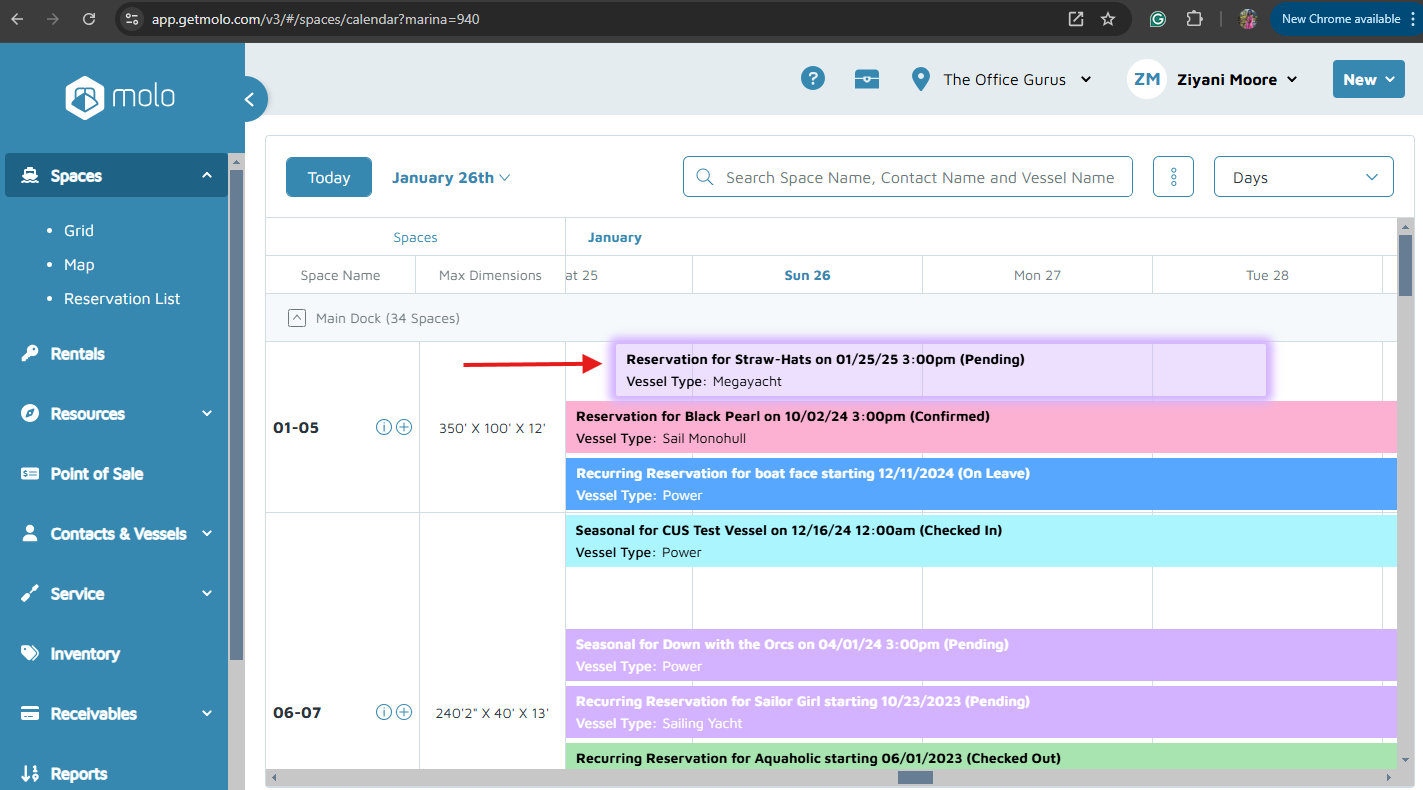 3. On the dropdown menu, click Change Status. A pop-up window will appear.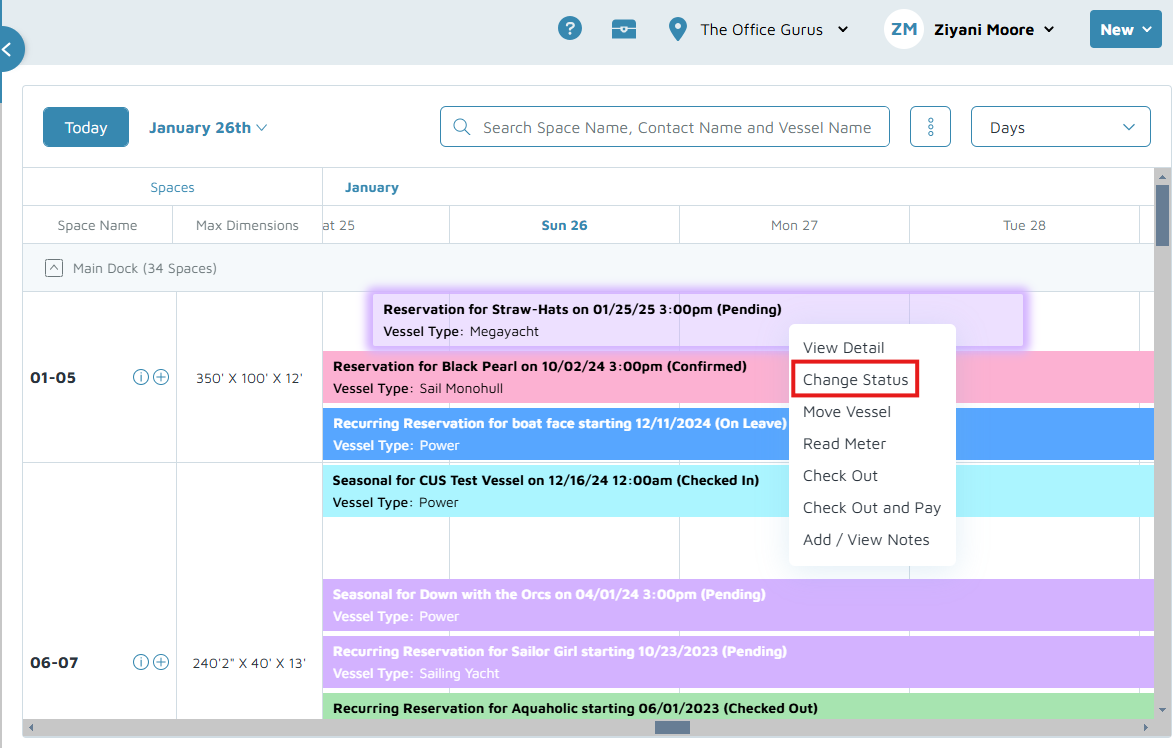
4. On the Status pop-up window, click on the current status and a drop-down menu will appear.
5. Click on the desired status, then click Change.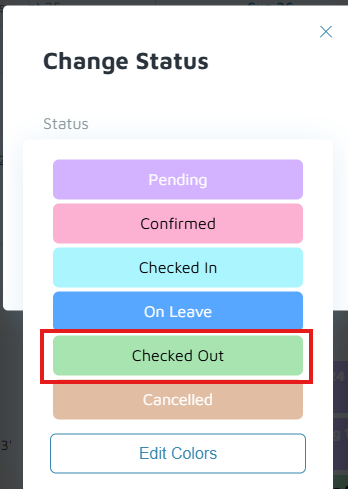
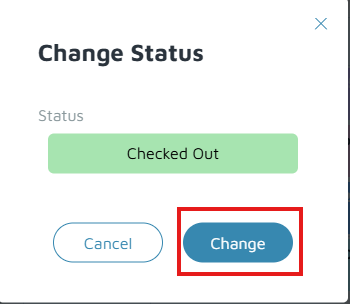
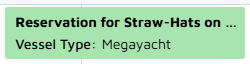
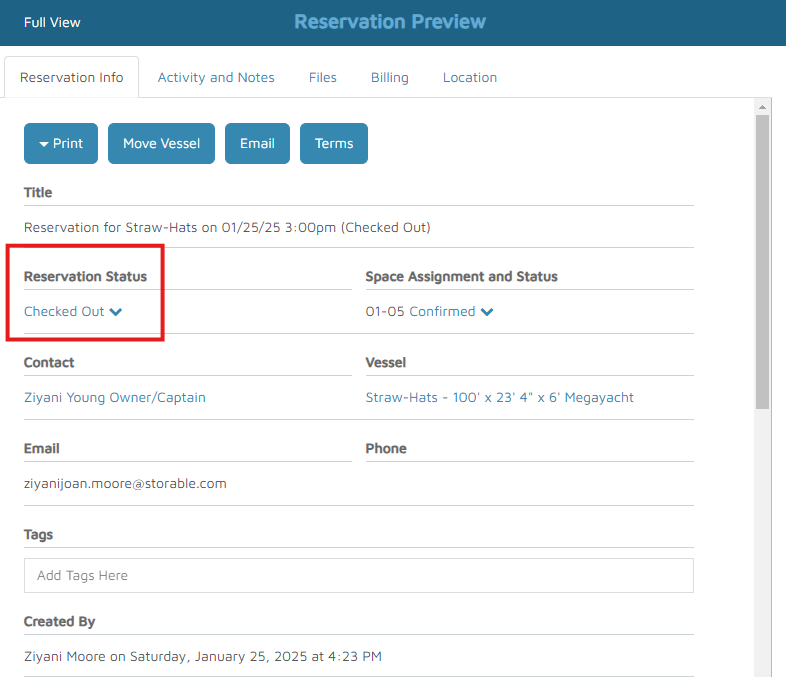
Verification: The reservation color will update to match its new status. The Reservation Preview screen will also display the updated status.